Seamless Patterns
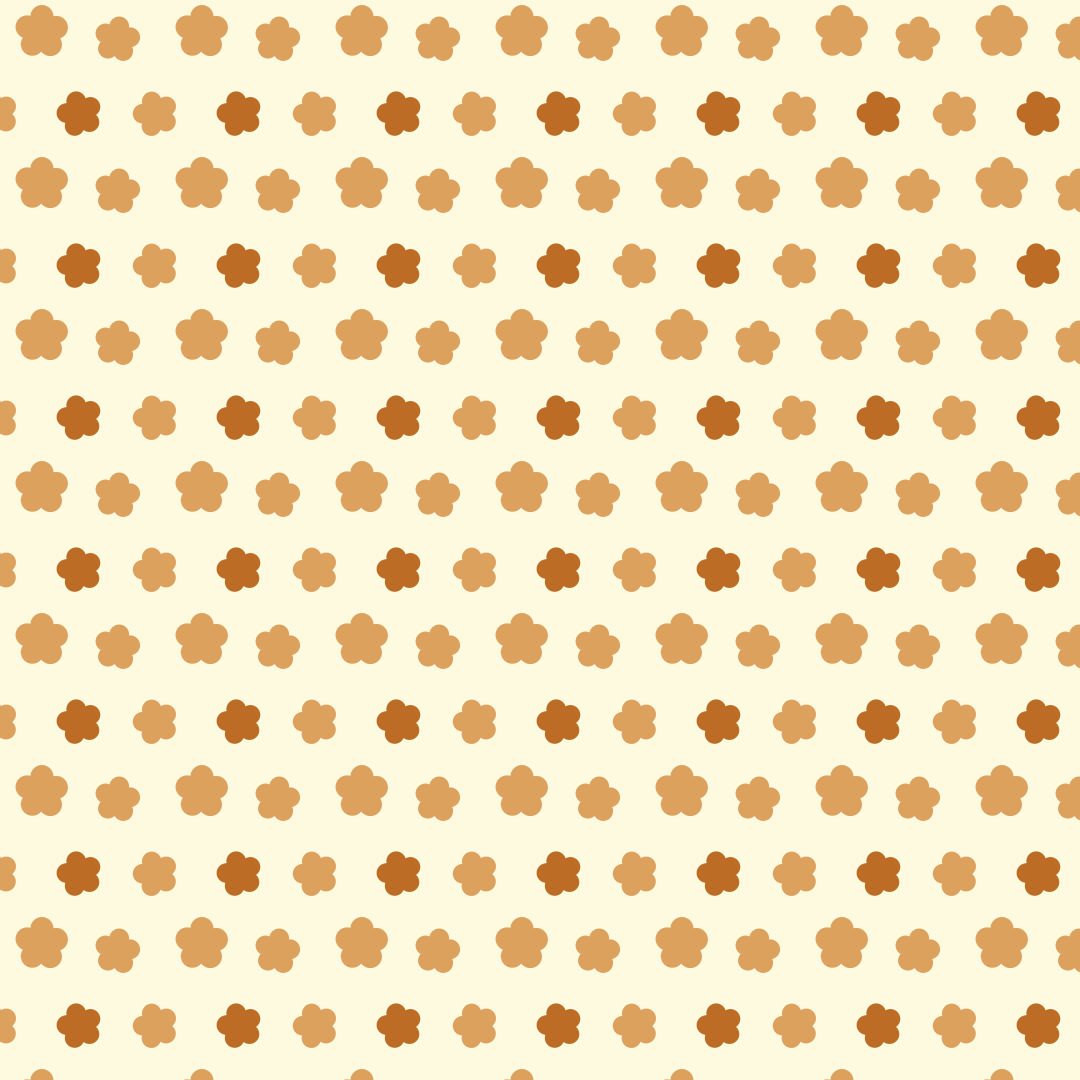
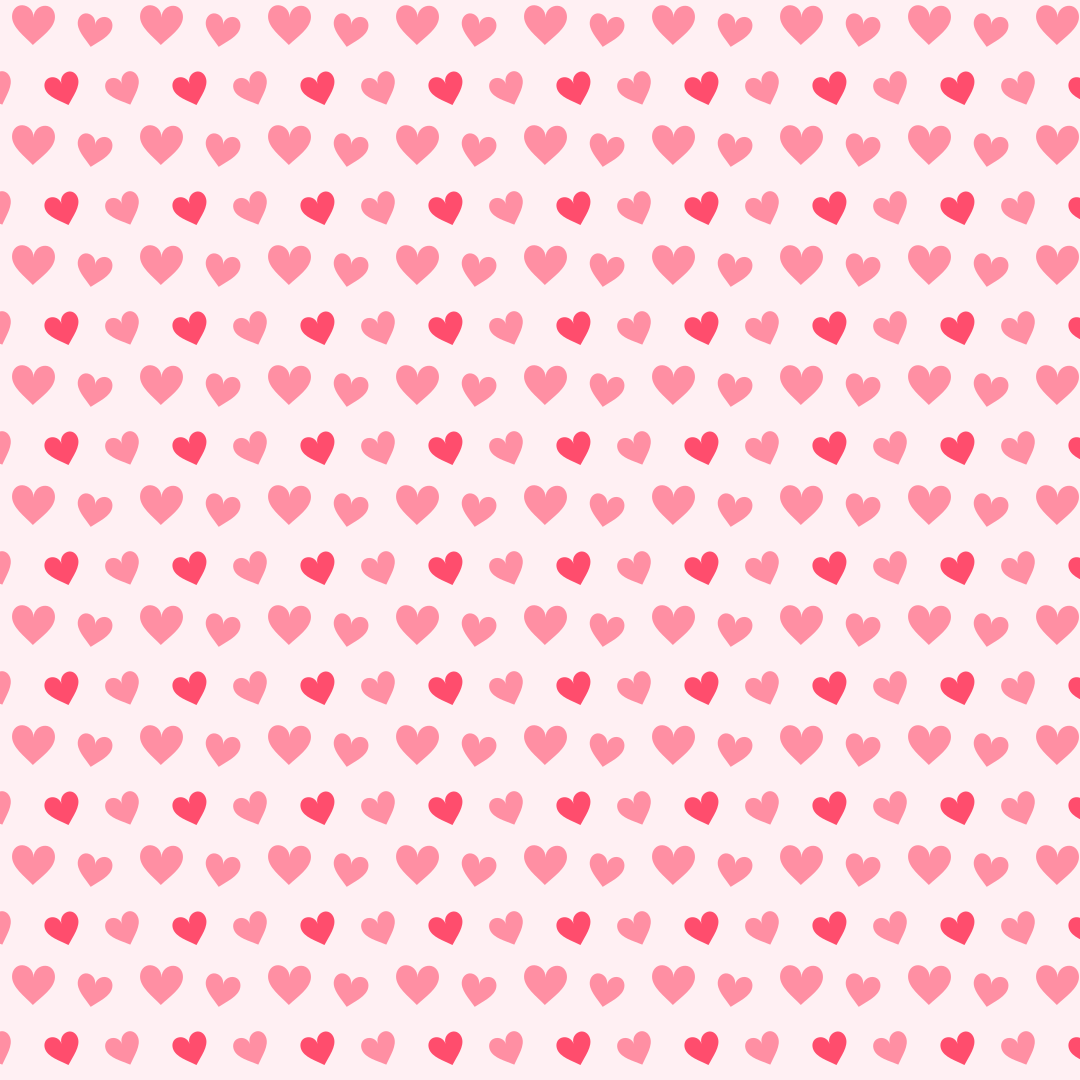
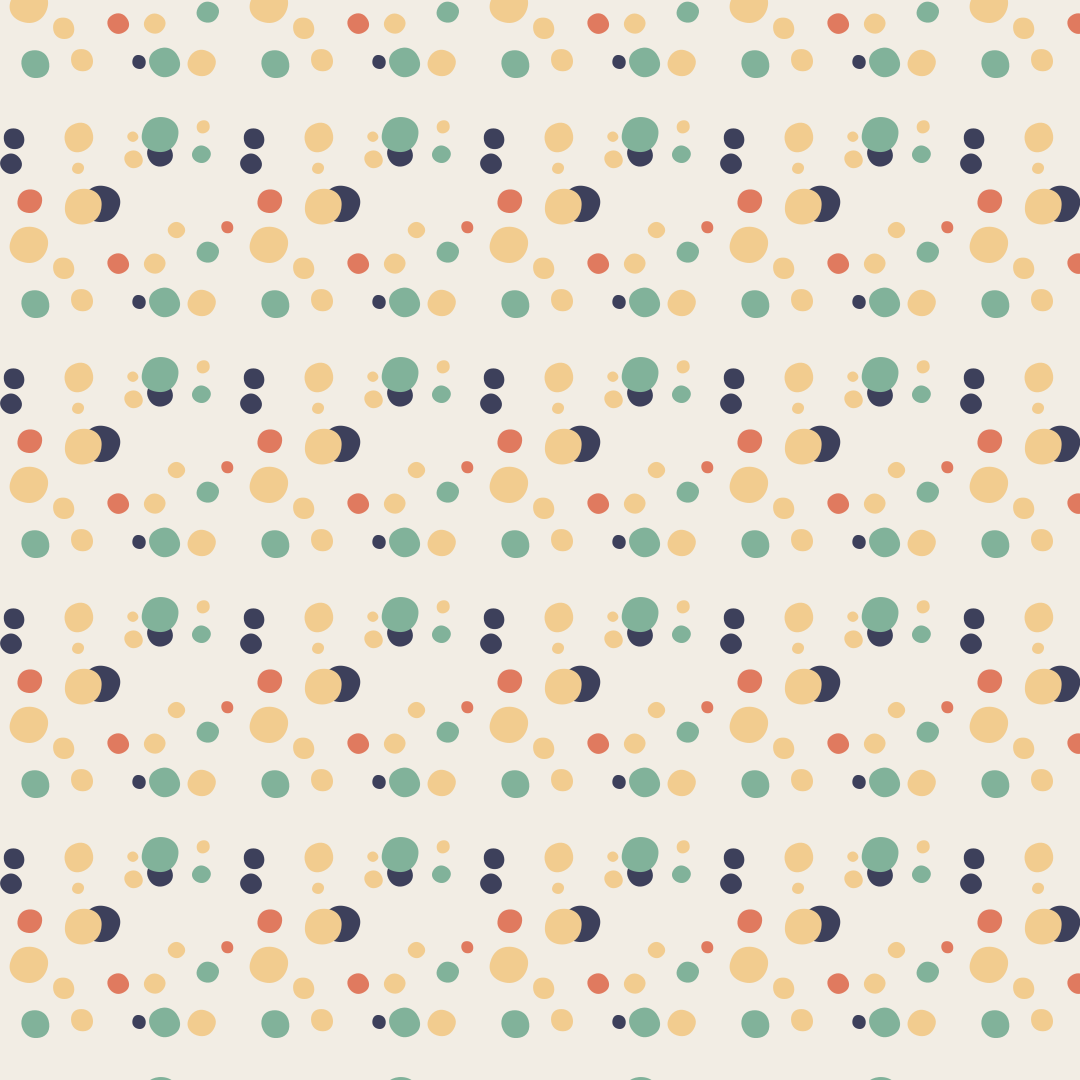
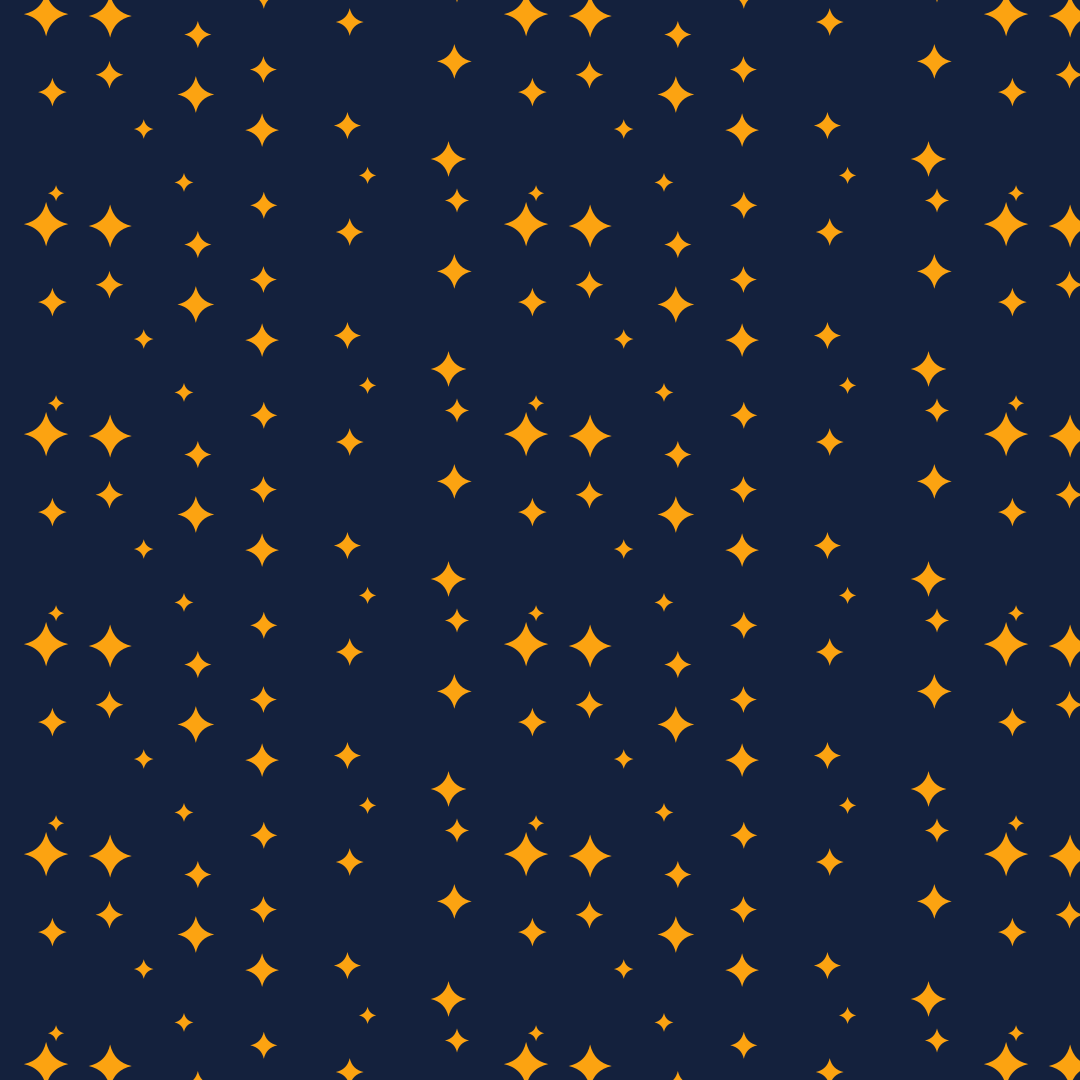
Seamlessly tiling patterns made of shapes or your own graphic. Export as SVG, CSS, tile or image.
Open the generatorRuns right in your browser. Your graphics are made on your device.
Start from a preset
Pick a preset and it opens right in the editor, ready to adjust.
What is it?
A seamless pattern is a tile that repeats any number of times without visible edges. Motifs that cross the border reappear on the opposite side, so the joins disappear. Seamless patterns work well for website backgrounds, wrapping paper, fabric, wallpaper and packaging.
How it works
Pick one of the built-in shapes or load your own SVG, PNG, JPG or WebP file and crop it. Choose the tiling (grid, brick, half drop or mirror), size, spacing and rotation, and color the motifs with one color or a palette. Press the space bar for new variations. Export as SVG, as a CSS background, as a single PNG tile or as an image.
Try the Seamless Patterns nowFAQ
- Is my uploaded file stored or shared?
- No. Your file is processed only in your browser, never sent to a server and never put into links. Anyone opening your link sees the pattern with the chosen shape.
- What is the difference between brick and half drop?
- Brick shifts every other row by half a tile width, like a brick wall. Half drop shifts every other column by half a tile height instead.
- How do I use the pattern as a CSS background?
- The CSS export contains the tile as an embedded SVG together with background-size and background-repeat. Paste the code into your element's rule and the pattern repeats seamlessly.
- Why is my SVG file a single color?
- Unless Keep original colors is on, Musterli recolors the graphic with your motif color or palette. Turn the option on to keep the file's own colors.
- Why were parts of my SVG file removed?
- For safety, Musterli only lets plain graphic elements through. Scripts, embedded web content, fonts and references to other files are removed.
Related generators
All generators in Patterns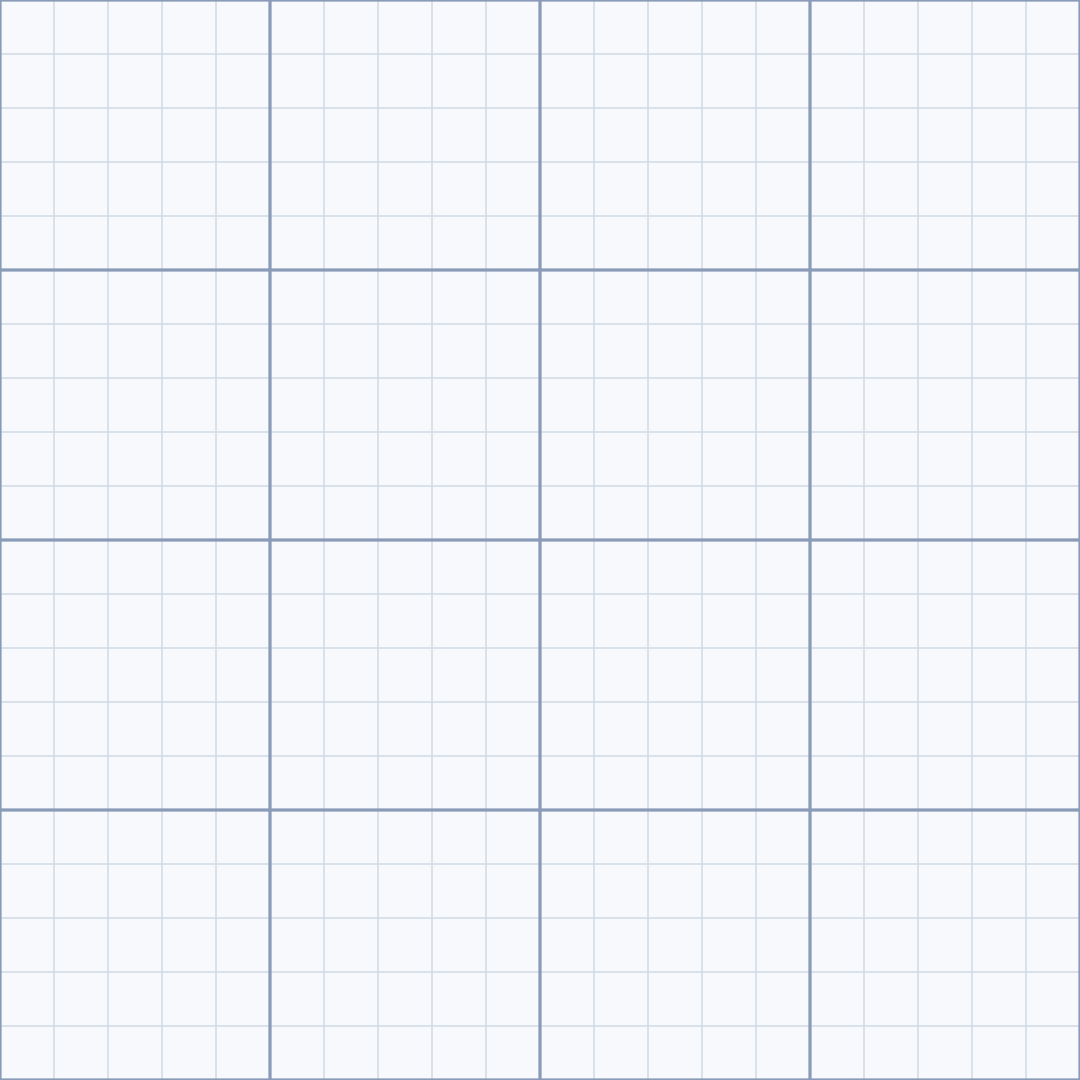
Grid Patterns
Grid lines, dot grids, crosses or tiles with major and minor grids. Export as SVG or image.
Open in editor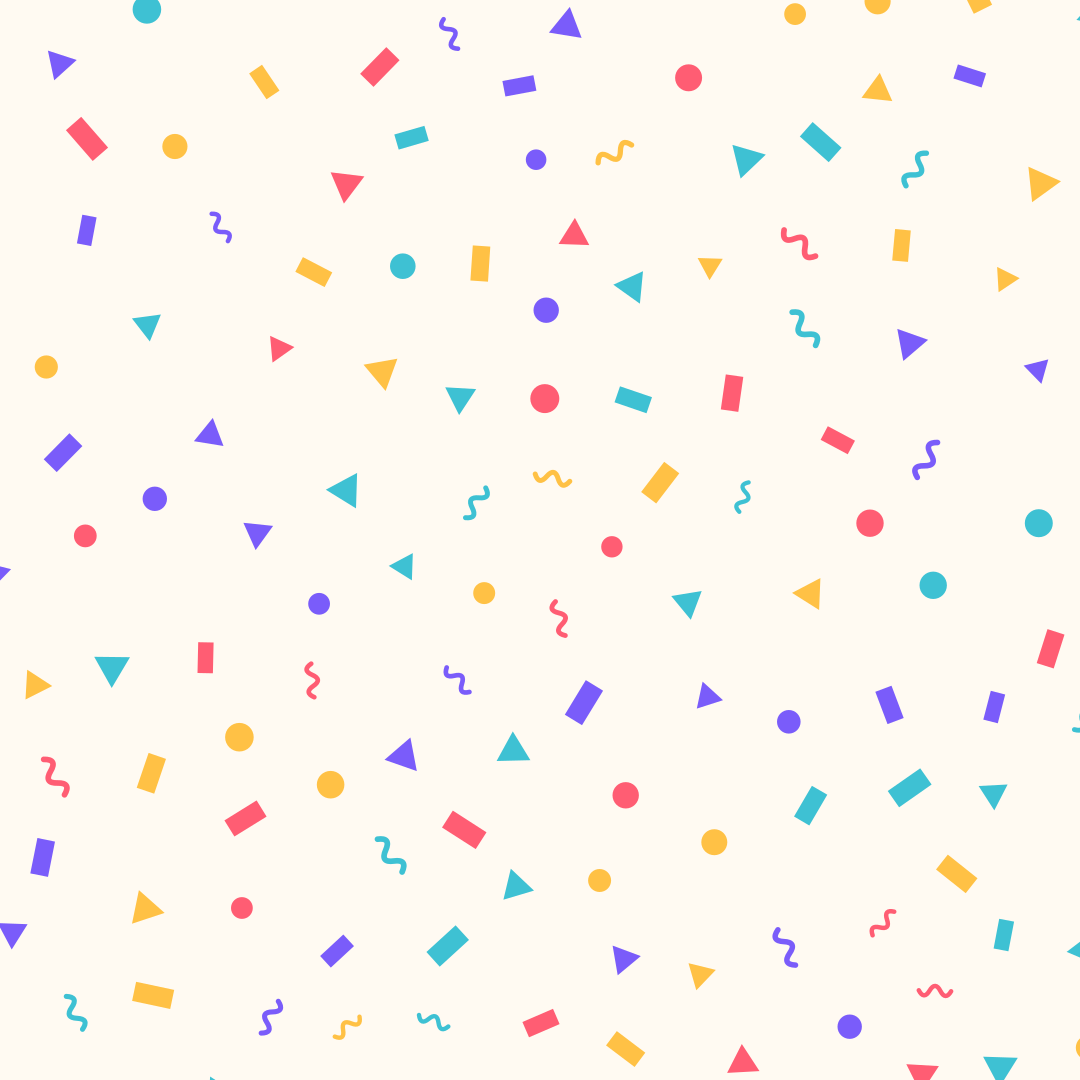
Confetti
Confetti made of strips, circles, triangles and squiggles, evenly spread. Export as SVG or image.
Open in editor
Dieter Dots
Concentric rings of dots, like a perforated speaker grille. Export as SVG or image.
Open in editor
CSS Patterns
Over 30 pure CSS patterns: dots, grids, stripes, waves and geometric shapes. Export as CSS, Tailwind, SVG or image.
Open in editor
Doodle Backgrounds
Hand-drawn looking squiggles, spirals, stars and zigzags as a background. Export as SVG or image.
Open in editor